

Cybersecurity for small businesses has become harder to manage as the number of ways into a business continues to grow. Companies now depend on cloud applications, connected devices, remote access, email, online payments, and digital files for everyday work. Each connection makes business easier, but it can also give cybercriminals another potential way in.
The threat landscape is changing, too. According to Verizon’s 2026 Data Breach Investigations Report, exploitation of software vulnerabilities now accounts for 31% of breaches, surpassing stolen credentials as the leading way attackers initially gain access. Ransomware is involved in 48% of breaches.
Here are 10 cybersecurity tips and strategies SMBs can use to build stronger protection.
1. Start With a Cybersecurity Risk Assessment
Before investing in another security product, determine what you’re trying to protect.
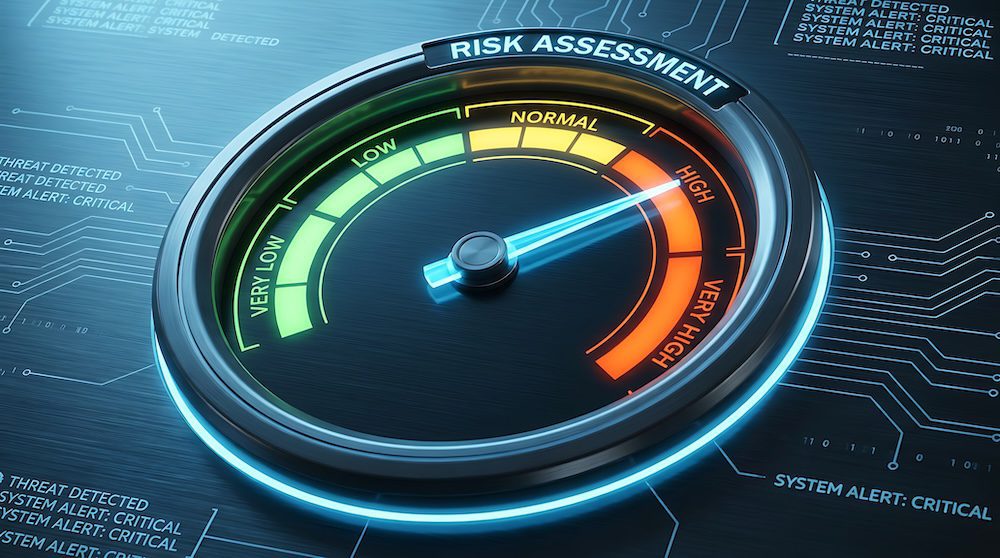
A cybersecurity risk assessment examines your technology, accounts, data, users, security policies, and existing protections to identify vulnerabilities and determine where an attack could have the greatest impact.
For example, an assessment may uncover outdated software, former employees who still have active accounts, devices that are no longer supported, inadequate backup practices, or employees with more access to sensitive information than their jobs require.
This gives your business a prioritized list of issues rather than leaving you to guess where security investments should go.
The National Institute of Standards and Technology (NIST) recommends that small businesses understand their cybersecurity risks as part of a broader risk management strategy. A risk assessment provides a starting point by showing where vulnerabilities exist and which issues should be addressed first.
2. Require Multi-Factor Authentication
A stolen password should not be enough to access an important business account.
Multi-factor authentication, or MFA, requires another form of verification in addition to a password. Depending on the system, that could be an authenticator application, security key, passkey, or another approved authentication method.
Start with accounts that could cause the most damage if compromised, including email, cloud applications, financial systems, administrator accounts, and remote access tools. Ideally, MFA should be required wherever your systems support it.
The FTC recommends requiring MFA for employees, contractors, and others accessing company networks and devices.
3. Keep Software and Systems Updated
Software updates can be easy to postpone, particularly when employees are busy, or an update requires downtime. In 2026, that delay deserves much more attention.
Verizon reports that exploitation of software vulnerabilities is now the leading initial access method in breaches, accounting for 31%.
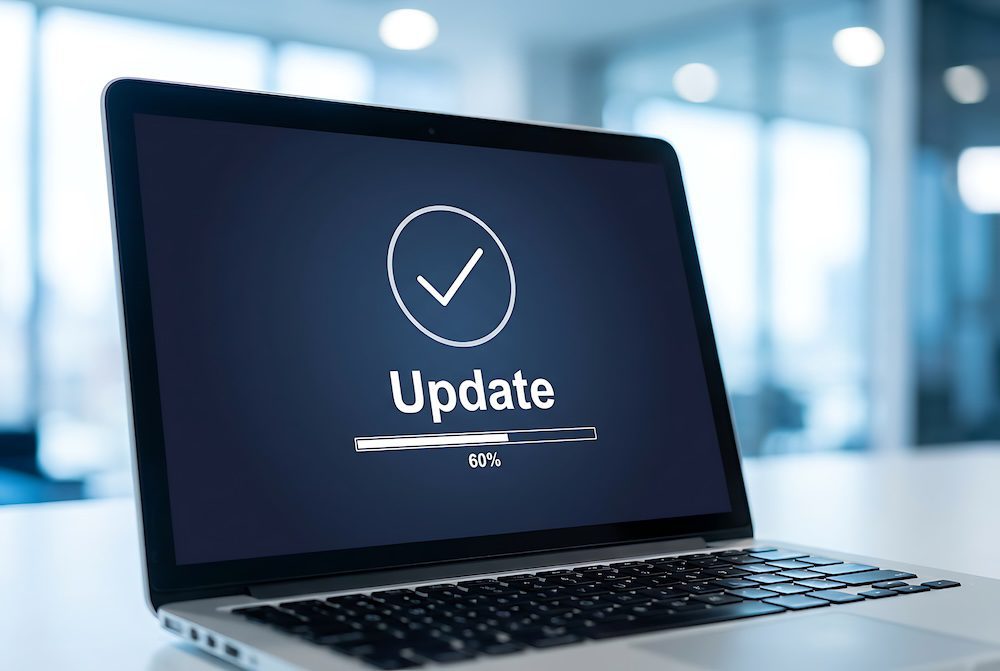
Businesses should maintain an accurate inventory of their devices and software and establish a process for identifying, prioritizing, and installing security updates. Automatic updates can help where appropriate, but businesses should also have a process for addressing high-risk vulnerabilities quickly.
Pay particular attention to internet-facing systems, operating systems, browsers, business applications, network equipment, and devices that are approaching or have passed the end of vendor support.
Patching is no longer an IT housekeeping task. It should be a part of your cybersecurity strategy.
4. Strengthen Password and Access Policies
Not everyone needs access to every application, folder, or piece of customer information.
Use the principle of least privilege, which means giving people only the access necessary to perform their jobs. Administrator privileges should be limited, shared accounts should be avoided when possible, and access should be reviewed whenever someone changes roles or leaves the organization.
Password practices matter as well. Encourage employees to use long, unique passwords or passphrases and a business-approved password manager rather than reusing passwords across accounts.
The FTC also recommends restricting sensitive information to people who need it to perform their jobs and changing default manufacturer passwords on devices.
5. Train Employees to Recognize Phishing and Social Engineering
Cybersecurity training should prepare employees for situations they might encounter.
Employees should know how to handle unexpected password-reset requests, unusual invoices, requests to change payment information, suspicious links, QR codes, text messages, phone calls, and messages that appear to come from an executive or coworker.
AI can make some of these attacks harder to recognize. Attackers can use generative AI to improve messages and accelerate parts of their campaigns. Verizon’s 2026 DBIR specifically identifies generative AI as an increasingly important factor in the current threat environment.
Give employees a simple process for reporting something suspicious. What matters is that they recognize when something seems off and know who to contact before taking the next step.
6. Protect Every Endpoint
Laptops, desktops, smartphones, and other connected devices are all potential entry points into your business.
Endpoint protection helps detect and block malicious activity on those devices. Depending on your environment, protection may include antivirus or anti-malware software, endpoint detection and response, device encryption, mobile device management, web filtering, and centralized security monitoring.
Device management is just as important.
Know which devices are connecting to company information, make sure they meet your security requirements, remove unsupported equipment, and establish rules for personal devices if employees use them for work.
7. Back Up Critical Business Data
Ask a simple question: If your files became inaccessible tomorrow morning, how would your company continue working?
Reliable backups give businesses another recovery option after ransomware, hardware failure, accidental deletion, and other disruptions.
The FTC recommends regularly backing up important files and keeping backups separate from the business network as part of ransomware protection.
Backups should also be tested. Successfully creating a backup does not automatically mean the data can be restored quickly or completely.
Identify the information and systems your organization cannot operate without, determine how frequently they need to be backed up, protect the backup environment from unauthorized access, and periodically test restoration.
8. Secure Your Network, Cloud Applications, and Remote Access
The traditional office network is only one part of the security picture.
Employees may access company information from home, hotels, customer locations, mobile devices, and dozens of cloud applications. Security policies need to follow the data wherever employees work.
Start by securing routers and wireless networks, changing default credentials, reviewing firewall settings, encrypting sensitive information, and limiting remote access. Turn off unnecessary remote router management and secure sensitive data both at rest and when it is transmitted.
Cloud applications deserve regular review as well. Know which applications employees are using, what company information they contain, who has access, and what security settings are available.
This is becoming particularly important as businesses adopt AI applications alongside their existing cloud platforms.
9. Create an Incident Response Plan Before You Need One
Even strong cybersecurity cannot guarantee that an incident will never happen.
The question then becomes: What happens next?
An incident response plan establishes who needs to be contacted, who has authority to make decisions, how affected systems will be isolated, how backups will be restored, and how communications with employees, customers, insurers, vendors, regulators, or law enforcement will be handled.
Write the plan down, keep copies accessible, and periodically walk through a hypothetical situation with the people who would be involved.
10. Consider Managed Cybersecurity Support
Cybersecurity requires ongoing attention.
Someone needs to monitor systems, manage updates, maintain security tools, review alerts, protect endpoints, oversee backups, manage user access, and respond when something suspicious happens. For an SMB with a small internal IT team, keeping up with all those responsibilities can be difficult.
This is where Managed IT and cybersecurity support can help.
A Managed IT provider can help a business evaluate its current security posture, address gaps, manage day-to-day protections, and develop a cybersecurity strategy appropriate for its technology, industry, and level of risk.
The goal is to make sure the protections you already have are configured correctly, monitored consistently, and updated as your business and the threat landscape change.
Cybersecurity for Small Businesses Starts With the Fundamentals
The threats businesses face continue to evolve, but many of the most useful cybersecurity strategies are surprisingly practical.
Know what is connected to your network. Keep systems patched. Protect accounts with MFA. Limit access to sensitive information. Train employees. Maintain reliable backups. Monitor devices. Prepare for an incident.
Those actions create layers of protection so that one mistake or compromised account is less likely to turn into a much larger business problem.
Not Sure Where to Start? Let GoodSuite Take a Look.
For SMBs that do not have the internal time or security expertise to manage all of this themselves, GoodSuite can help evaluate existing technology and cybersecurity protections and develop a more manageable approach to protecting the business. As a single partner for IT, cybersecurity, backup and recovery, cloud, print, and communications, GoodSuite gives clients one team for all of their technology needs.
Reach out to the GoodSuite team and ask about an assessment to see where your biggest risks are today.
Small Business Cybersecurity FAQs
Do small businesses really need cybersecurity?
Yes. Cybercriminals target organizations of all sizes, and smaller companies still possess valuable information, financial accounts, employee credentials, customer data, and access to other organizations. The FTC specifically warns that cybercriminals target companies regardless of size.
How do you implement a cybersecurity strategy for a small business?
Start by identifying the systems, devices, accounts, and data your company depends on and assessing the risks surrounding them. From there, prioritize safeguards such as MFA, patching, access controls, employee training, endpoint protection, backups, monitoring, and incident response. NIST’s CSF 2.0 Small Business Quick Start Guide was created specifically to help SMBs with modest or no existing cybersecurity plan begin this process.
What cybersecurity protections should a small business start with?
Priorities vary by organization, but MFA, software updates, secure backups, employee security training, endpoint protection, access controls, and an incident response plan provide a strong starting point. The FTC’s small-business guidance recommends many of these same safeguards.
About GoodSuite
GoodSuite is a boutique Managed Services provider that helps businesses simplify, secure, and support their technology environment. Their services include Managed IT, Cybersecurity, Cloud Solutions, Backup and Disaster Recovery, Managed Print Services, and VoIP phone systems, along with office technology such as copiers and printers. Based in California, GoodSuite supports organizations across Southern California and throughout the United States with proactive service and strategic technology guidance.