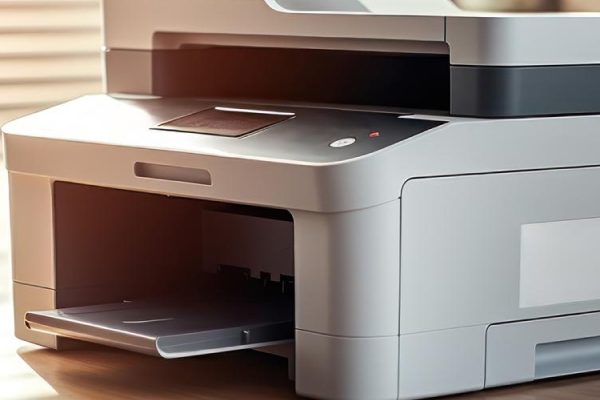
One of our office’s favorite features now that we utilize the Sharp product line, is the real time scan preview.
Utilizing the tablet-style touch-screen, a user can start a scanning project. Regardless of the size of the scan document, you have the ability to ensure your document is saved just the way you want it.
Examples of how to use real time scan preview:
- A CPA firm is doing tax returns. Each individual form needs a blank page in between for customer clarity. Instead of scanning each form on it’s own, using software to insert blank pages, then compressing all documents into one file, you can use the Sharp feature instead. All documents and forms can be scanned at once, pages can be inserted and edit right from the touch-screen, and the file can be saved and sent with one touch.
- A law office has a 15 page document that needs to be distributed to three different parties. Certain pages are needed for each party. Three separate scan jobs get condensed into one when you can select specific pages, how to save them, and how to send them.
For a free analysis of how you can utilize this standard feature, contact CHQS today!