Learning to clean office equipment may sound like a daunting task, but it’s really simple to do!
Benefits of Clean Office Equipment:
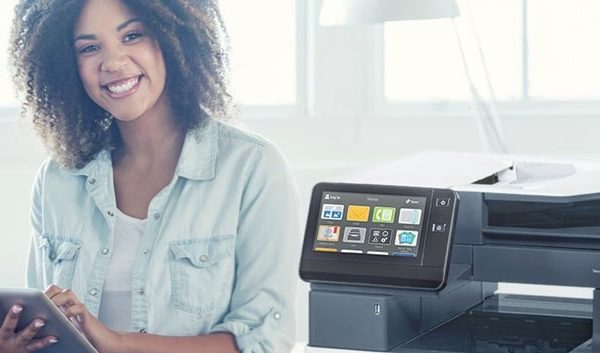
- Less germs spread through the touchscreen Control Panel, paper trays, and output trays.
- Dusting prevents buildup on rollers, streaks on copies, and jamming
- Keeping your unit clean will preserve its capabilities
How to Clean Office Equipment:
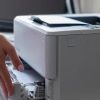
1. Dust the copier using a microfiber cloth. It is better to use a cloth than a paper towel. The paper towel can leave dust residue and particles more than a cloth would. Do not use any product to assist with the dusting. It should be a dry cloth and on outer surfaces only. 2. Wipe the glass of your Xerox machine. Use glass cleaner and a microfiber cloth (again no paper towels to prevent scratches). A little product goes a long way when cleaning the glass on your machine. You may create more streaks by using too much glass cleaner. 3. Sanitize the surfaces people use the most. Do not use a sopping wet anti bacterial wipe, but use a small amount of rubbing alcohol and a microfiber cloth to lightly go over the Control Panel and the handles of the paper trays. If there is a major issue, please place a service request so that our technicians can clean your machine properly. They clean it every time they service your machine anyway!