Copier Headquarters is the premier source to purchase and/or lease Xerox office equipment for Los Angeles, Ventura, and Santa Barbara Counties.
 Most offices now consider printers a necessary part of their productivity plan. However, most companies don’t research upgrade options until they are in a time of desperate need. It is important to research which solutions work best for your office environment and productivity.
How to Upgrade Your Printer
- Look into the speed of your equipment. There are two ways to look at speed. The first thing to consider is pages per minute (PPM). This is the number of pages your office equipment can process within one minute. For example, a WorkCentre 7855 processes up to 55 pages per minute. If your company makes copies of large reports, a machine with a high PPM is a smart upgrade. Another aspect of speed to consider is the first page out speed. This speed indicates how long it takes from the time you hit print, to the time the document is on the sorter. While most machines print in under 10 seconds, if your company prints single page documents regularly, checking on first page out speed is a great start.
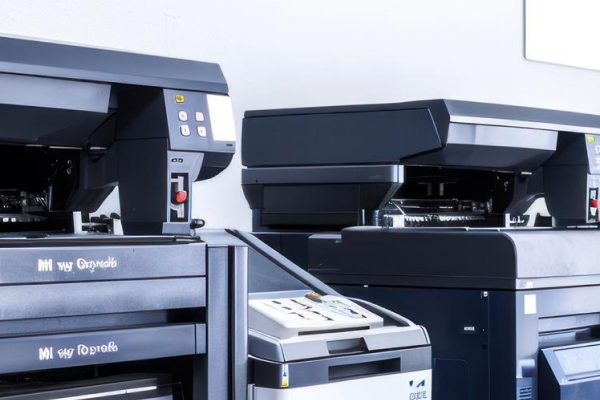
- Condense multiple little machines into one machine. A multi-function printer is the easiest way to remove the clutter and maintenance from multiple units. Instead of a fax machine, a desktop printer, and a machine that has scanning capabilities, one piece of equipment can handle faxes, scanning, copying and printing. An easy solution is to assign one machine per department, that provides all functions. Production machines also have office capabilities. For offices that produce in-office marketing and need office capabilities, a production machine can solve productivity problems.
- Put all maintenance and consumables onto one invoice. Signing a maintenance agreement or a managed print services agreement is a way to simply your office equipment. Getting all supplies, service, and billing from one location creates a streamlined process. It is only one phone number to remember!
Copier Headquarters is your guide on how to upgrade your printer. Contact your Account Manager today to see what affordable, productive, and unique options we have available for you.