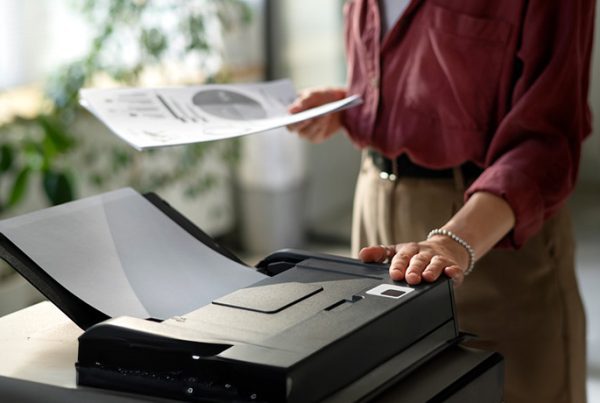
One of the easiest ways to prevent paper jams is by loading paper into the machine properly. Take a look at the four steps to help keep you running at the speed of business.
Step 1: Pay attention to the overfill line. Just like you measure your mouthwash or medicine, overfilling the paper tray may cause jams.
Step 2: Fan out the stack of paper you are loading into the machine. This helps to unstick the paper. Once you do that tap the paper on a hard surface to make it a neat stack. 
Step 3: Monitor the paper usage. Leaving only 1 or 2 pages in the tray may cause a jam or an error in a large print job. Set up a daily or weekly reminder (depending on the amount you copy) to load paper.
Step 4: Make sure your tray settings are correct. If you are using heavier stock (weight) paper, you can preset your settings on the copier and it will pull paper accordingly. If you need assistance, please feel free to call our technology centerto set up a training call.