If you’re like most of us, you’re doing what you can to stay up to speed on the latest security threats. You’ve spent the necessary time to:
- Update your computer’s operating system.
- Update anti-virus software.
- Update all of your mobile device operating systems.
- Back up your data in an off-site cloud storage repository.
- Block malicious ads.
- Train your employees to recognize email phishing scams.
There’s One More Thing
Most business leaders understand these obvious threats to company networks and data and work to address them on every front. Unfortunately, hackers have zeroed in on the potential security vulnerabilities presented by your copiers, and you’ll want to confront the problem head-on. Here’s the why and the how.
Why it matters.
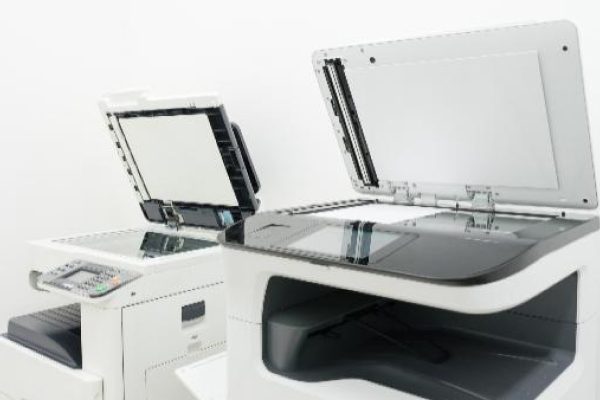
Your office copiers are vastly different from their 20th-century predecessors. Today’s copiers include hard drives and operating systems that rival those on your computer. Those features enable the powerful digital workflow solutions today’s businesses depend upon to accomplish daily goals.
Unfortunately, those digital capabilities also make your copiers a potential threat to your network. Hackers understand this and have begun targeting unprotected copiers to gain entrance into networks and entire caches of sensitive information. Thinking about what’s passed through your multifunction printers and copiers (HR documents, insurance forms, financial and banking documents, project development data, contracts, etc.) should be enough to cause alarm.
What you can do.
We know you don’t need one more thing to do, but protecting your copiers from hackers is essential. Fortunately, the process isn’t that difficult; here’s where to start:
- Enable data encryption on each of your copiers.
- Update default passwords and require users to authenticate before they can gain access.
- At end-of-service scenarios, follow protocols to overwrite or shred data, or have the hard drive removed and destroyed.
Do you need help assessing your print-related security vulnerabilities? Give us a call at Copier Headquarters today!